Blog
AI & Search
What Is a Vibe Coder & How Do You Know If Your App Is Actually Growing?
If you've been anywhere near X, Product Hunt, or a builder community in the last year, you've seen the term. But what does it actually mean, and more importantly -- what happens after you ship?
CampaignPilots
Marketing Intelligence

What is a vibe coder? (The honest definition)
A vibe coder is someone who builds real, functional apps using AI tools -- Lovable, Bolt, Cursor, Claude, ChatGPT -- without necessarily having a traditional software engineering background.
You describe what you want. The AI builds it. You iterate, ship, and repeat.
That's it. No CS degree required. No years of grinding through documentation. Just a clear idea, the right tools, and the ability to communicate what you're trying to build.
The term gets a mixed reaction online. Some developers think it's a threat. Some think it's a joke. But the apps are real, the revenue is real, and the builders are real. Whether the label sticks or not, the movement is not going away.
If you've shipped something using AI tools and you're trying to grow it -- this post is for you.
You shipped. Now what?
There's a specific feeling that hits somewhere between 48 and 72 hours after launch.
The Product Hunt upvotes have settled. The Reddit post has been commented on. Your friends have checked it out. And now you're sitting there looking at your app, wondering: is this actually going anywhere?
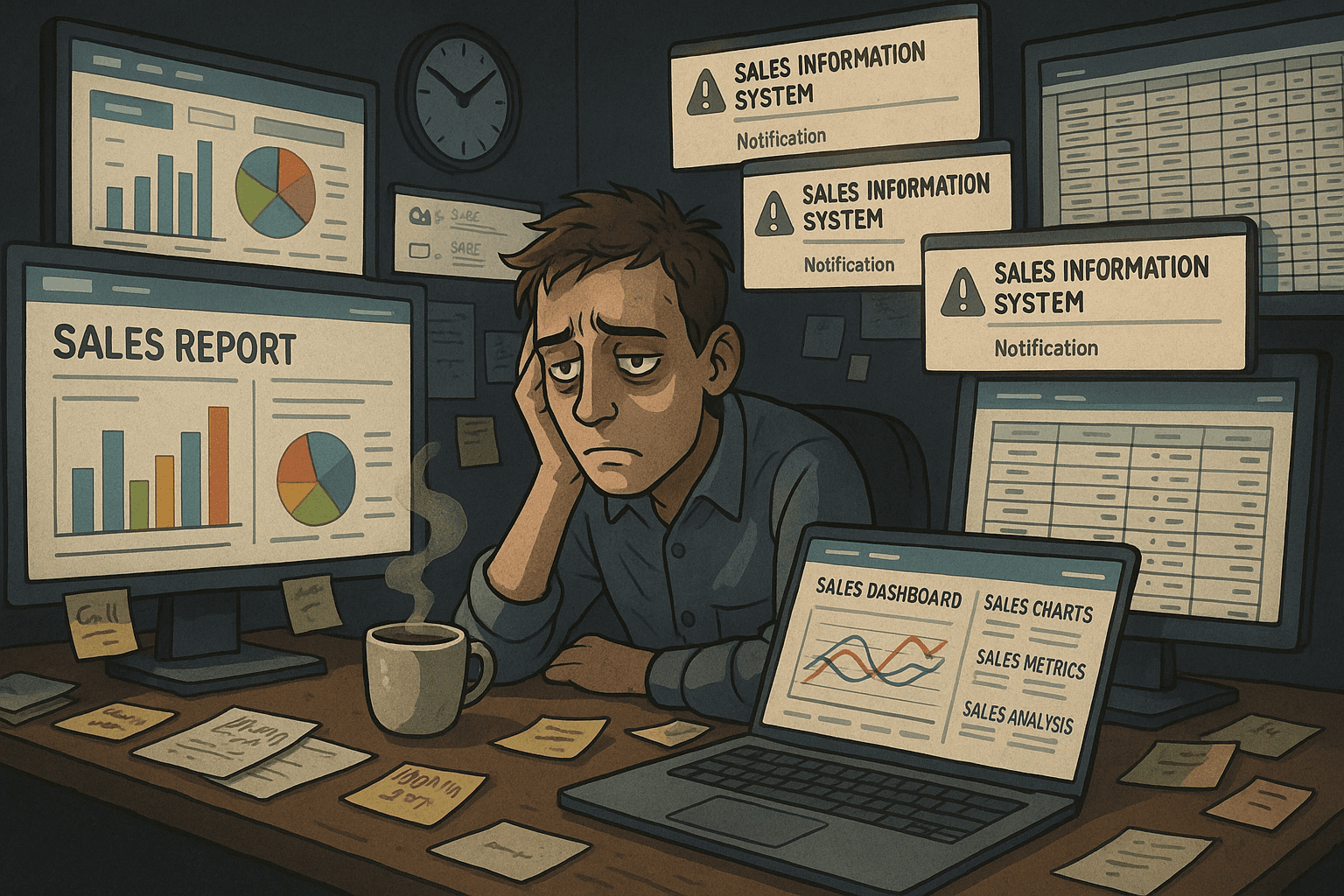
You open Google Analytics. There are some numbers. Sessions. Users. Bounce rate. A chart that goes up and then down and you're not sure if that's good or bad.
You close the tab.
This is where most vibe coders get stuck -- not because they're not smart, not because the app isn't good, but because the tools designed to answer "is this working?" were built for a completely different type of person.
You built something in days that used to take months. But understanding whether your marketing is working? That still feels like it requires a different skill set entirely.
It doesn't have to.
Why Google Analytics feels like it was built for someone else
Because it was.
Google Analytics 4 was designed for professional analysts at companies with dedicated data teams. It assumes you know the difference between sessions and engaged sessions. It assumes you understand what a dimension is versus a metric. It assumes you want to build custom explorations and configure attribution windows.
Most people don't want any of that. They want to know if their app is growing.
GA4 doesn't answer questions. It gives you a workbench and expects you to figure out what to build with it. For someone who just vibe coded a fully functional SaaS in a weekend, that is a genuinely frustrating mismatch.
And it's not just GA4. Google Search Console shows you clicks and impressions but leaves you to figure out what they mean. Google Ads tells you what you spent but not whether it was worth it. Every tool hands you raw data and assumes you speak the language.
You probably don't. That's not a knock -- it's just not what you signed up for when you decided to build something.
The 4 questions every vibe coder should be able to answer about their app
Before you touch a single dashboard, get clear on what you actually need to know. There are really only four questions that matter at the stage most vibe coders are at:
1. Are people finding my app? This covers organic search, referral traffic, social, direct. Where is your traffic coming from and is it growing week over week?
2. Are they doing what I want them to do? Are visitors signing up? Starting a trial? Clicking the thing you want them to click? Traffic without conversion is just a vanity number.
3. What content or channels are actually working? Which pages are driving the most visits? Which search terms are bringing people in? Is there a blog post, a Reddit thread, a landing page that's quietly pulling weight?
4. What should I do differently? This is the one nobody can answer by staring at a dashboard. It requires cross-referencing data sources, spotting patterns, and drawing a conclusion. It's also the most valuable question -- and the one analytics tools are worst at answering.
If you can answer those four questions consistently, you have everything you need to make smart decisions about where to put your time and money.
The marketing data your vibe-coded app is already collecting (and you're ignoring)
Here's the thing -- if you set up GA4, you already have more data than most early-stage founders know what to do with.
Google Analytics 4 is tracking every session, every traffic source, every page visit, every event you've configured. It knows which pages people land on, how long they stick around, and where they drop off.
Google Search Console -- if you've connected it -- is recording every search term that led someone to your site, how many times your pages appeared in results, and how many of those appearances turned into clicks. That data is sitting there right now, unread.
If you're running Google Ads, every impression, click, and conversion is being logged. The question is never whether the data exists. It's whether you're doing anything with it.
Most vibe coders set these tools up because someone told them to, connect them to their app, and then never open them again. The setup was the hard part, so it feels like the job is done. It isn't -- that's just the beginning.
The data is there. You just need a way to actually talk to it.
How to ask your marketing data questions in plain English
This is the part where the paradigm shifts.
You already know how to get useful output from AI by describing what you want in plain language. That's the entire model behind every tool you used to build your app. You didn't write SQL to generate a database schema -- you described what you needed and the AI built it.
The same approach works for your marketing data. You shouldn't have to learn GA4 to understand whether your organic traffic is growing. You shouldn't have to build a custom report to find out which pages are driving signups.
CampaignPilots connects directly to GA4, Google Search Console, and Google Ads via OAuth -- no CSV exports, no copy-pasting numbers into spreadsheets -- and lets you ask questions about your data the same way you'd ask Claude or ChatGPT anything.
"Why did my traffic drop this week?"
"Which pages are getting the most clicks from Google?"
"Is my Google Ads spend actually converting?"
"Where are my signups coming from?"
The AI pulls live data from your connected sources, analyzes it, and gives you a plain-English answer. No dashboards. No learning curve. No needing to know what an attribution window is.
For vibe coders specifically, there's an autonomous feature called AI Pilots -- scheduled agents that monitor your marketing data daily, weekly, or monthly and send you an email summary of what's changed, what's working, and what to pay attention to. Instead of you going looking for insights, the insights come to you.
It's the same instinct you applied when you built your app. Describe what you need. Get something useful back. Get on with it.
What to actually track in your first 90 days
If you've just launched and you want a practical framework to work from, here's what actually matters in the first three months:
Organic traffic by source. Where are people coming from -- Google search, direct, social, referral? This tells you which of your distribution efforts is working without building a single report. Watch the trend, not the absolute number.
Top landing pages. Not just your homepage. Which pages are people actually arriving on? If a blog post is quietly pulling in 60% of your traffic, that's something you need to know -- and protect.
Search Console clicks and impressions. This is the most underrated free data source most builders never look at properly. It shows you exactly what people Googled before landing on your site, and which pages Google thinks are relevant for which searches. It tells you where you're close to ranking and where you're already winning.
Conversion events. Whether that's signups, trial starts, purchases, or a key button click -- you need to know whether the traffic you're getting is actually doing what you want. Traffic without conversion data is just a number.
Week-over-week trends. A single week's data means almost nothing in isolation. What matters is the direction. Are visits up or down compared to last week? Is the conversion rate improving? Trend lines tell you far more than snapshots.
You don't need to track all of this manually. Set up a scheduled AI Pilot in CampaignPilots and it will monitor these metrics for you, flag changes, and explain what's driving them -- delivered to your inbox on whatever schedule makes sense for where you are.
You built your app to solve a problem for someone else. Don't let a different problem -- understanding whether it's working -- become the thing that slows you down.
The data is there. You just need to ask it the right questions.
CampaignPilots
Marketing Intelligence
Share